Install guide
How to apply Voidfall
Two paths: apply from the official Themes Store, or import the .mtz backup. Pick one and follow the steps.
-
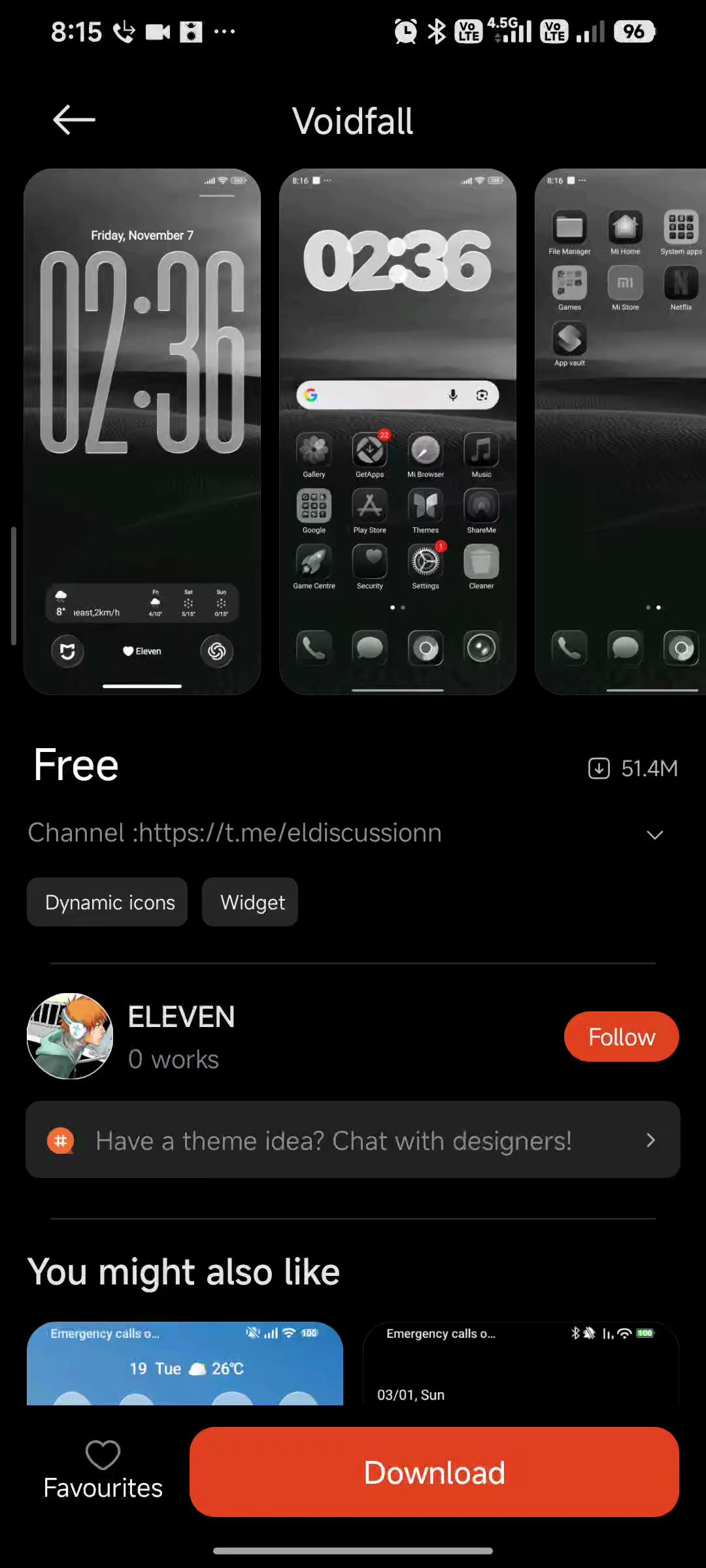
Open the Themes listing
From this site, use Get from Themes Store. Or search “Voidfall” inside Xiaomi Themes.
-
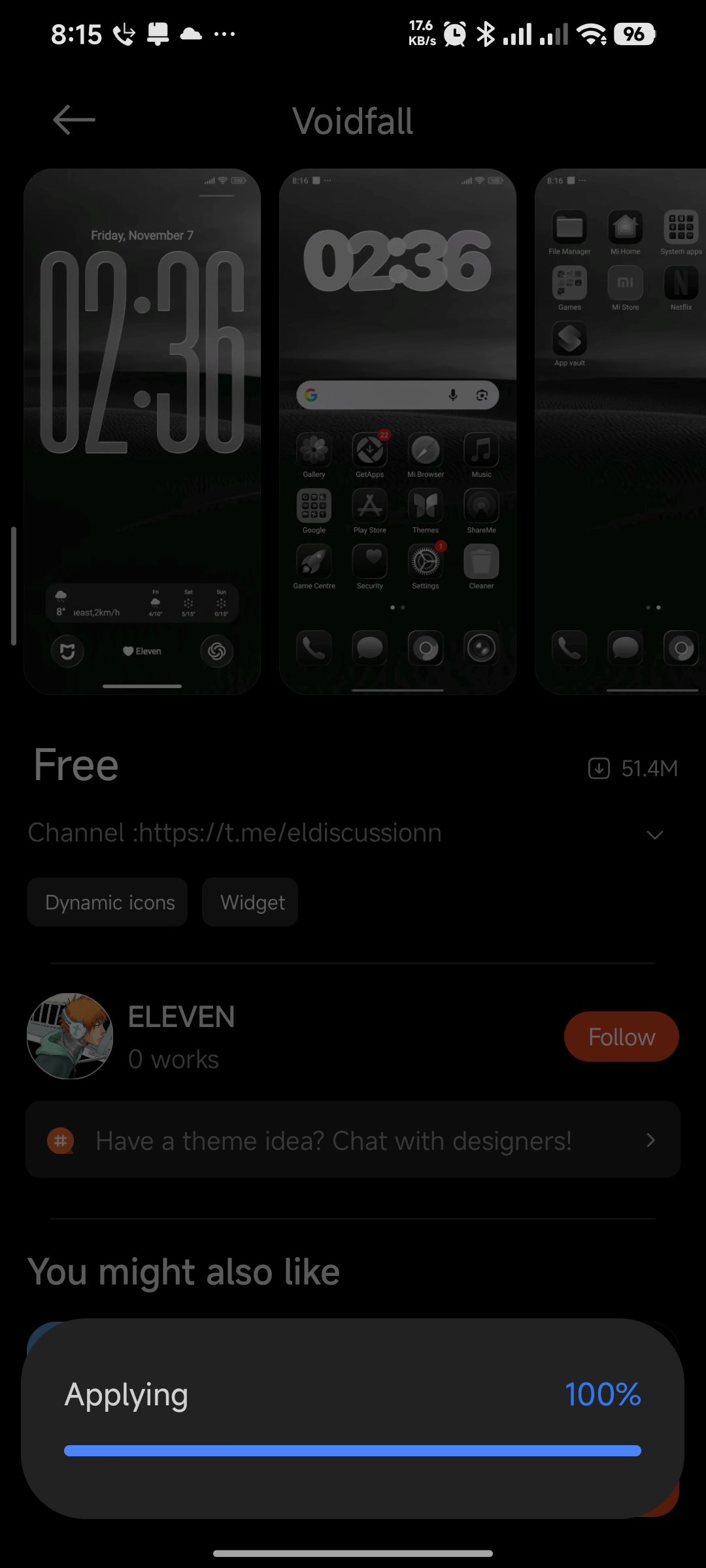
Tap Apply
Confirm apply for lock, home, and system UI. Wait until the progress finishes.
-
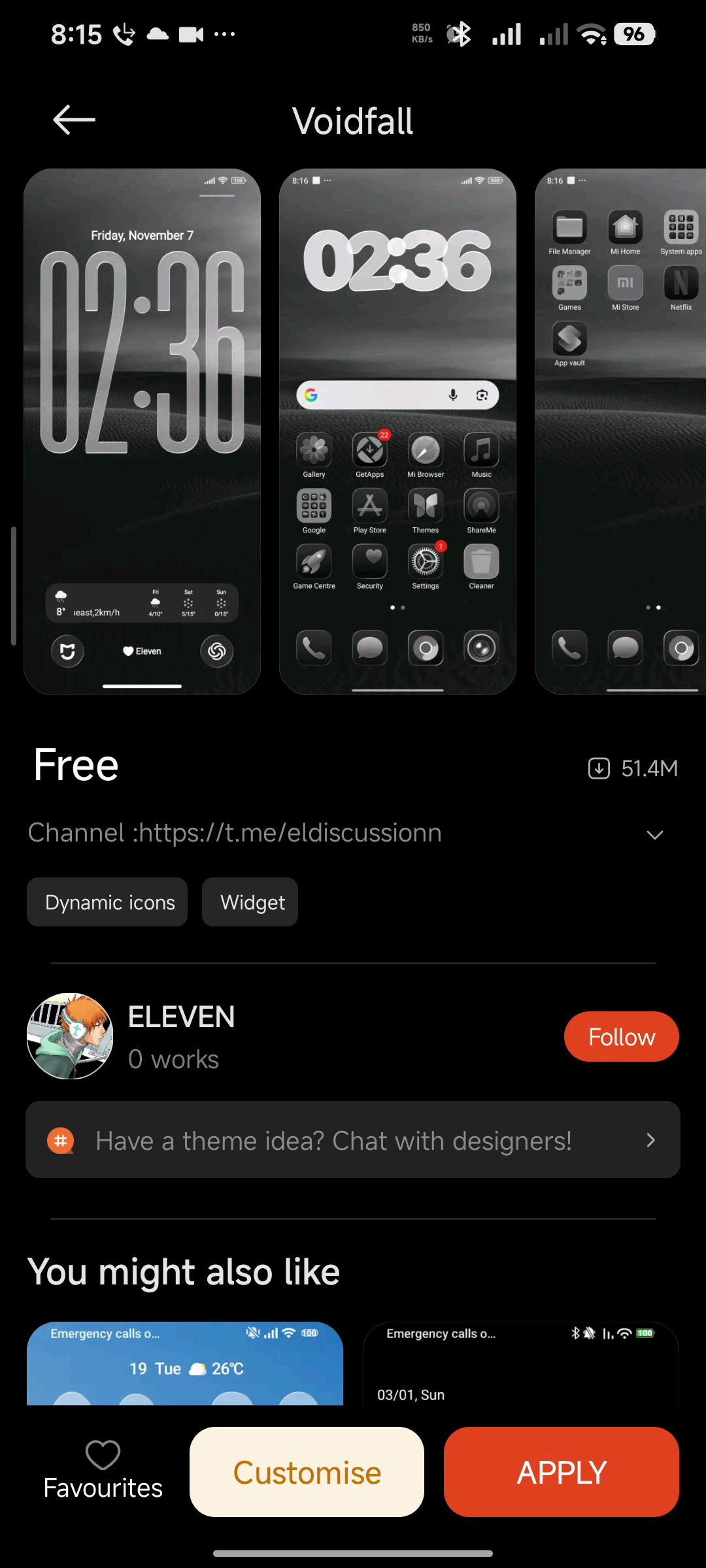
Open Customise
Enter Custom BY ELEVEN for Dynamic Island, charging, Focus, widgets, and the rest of the 14 sections. On the lock screen, use More for live clock and shortcut edits.
-
Download the .mtz
Use the backup download on the Download page. Save the file to your phone storage.
Go to Download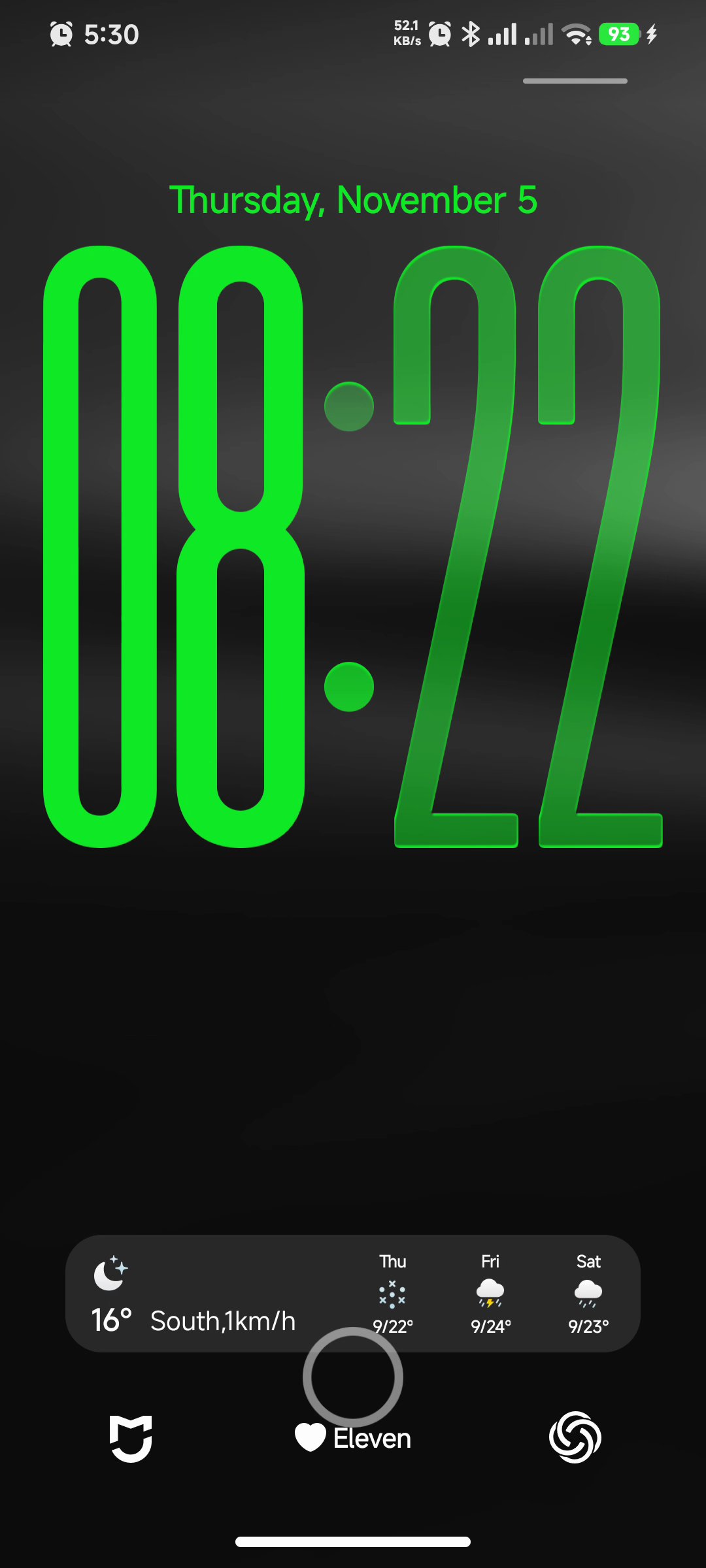
-
Import in Themes
Open Xiaomi Themes → find Import / local theme / file picker (wording varies by HyperOS build) → select the Voidfall .mtz.
-
Apply and tune
Apply the imported theme, then open Customise and the lock More editor the same way as the store path.
Need the files first?
Store link primary. .mtz when you need a direct package.