Skip to content
Voidfall

Xiaomi HyperOS · Free · 51.4 MB

Voidfall

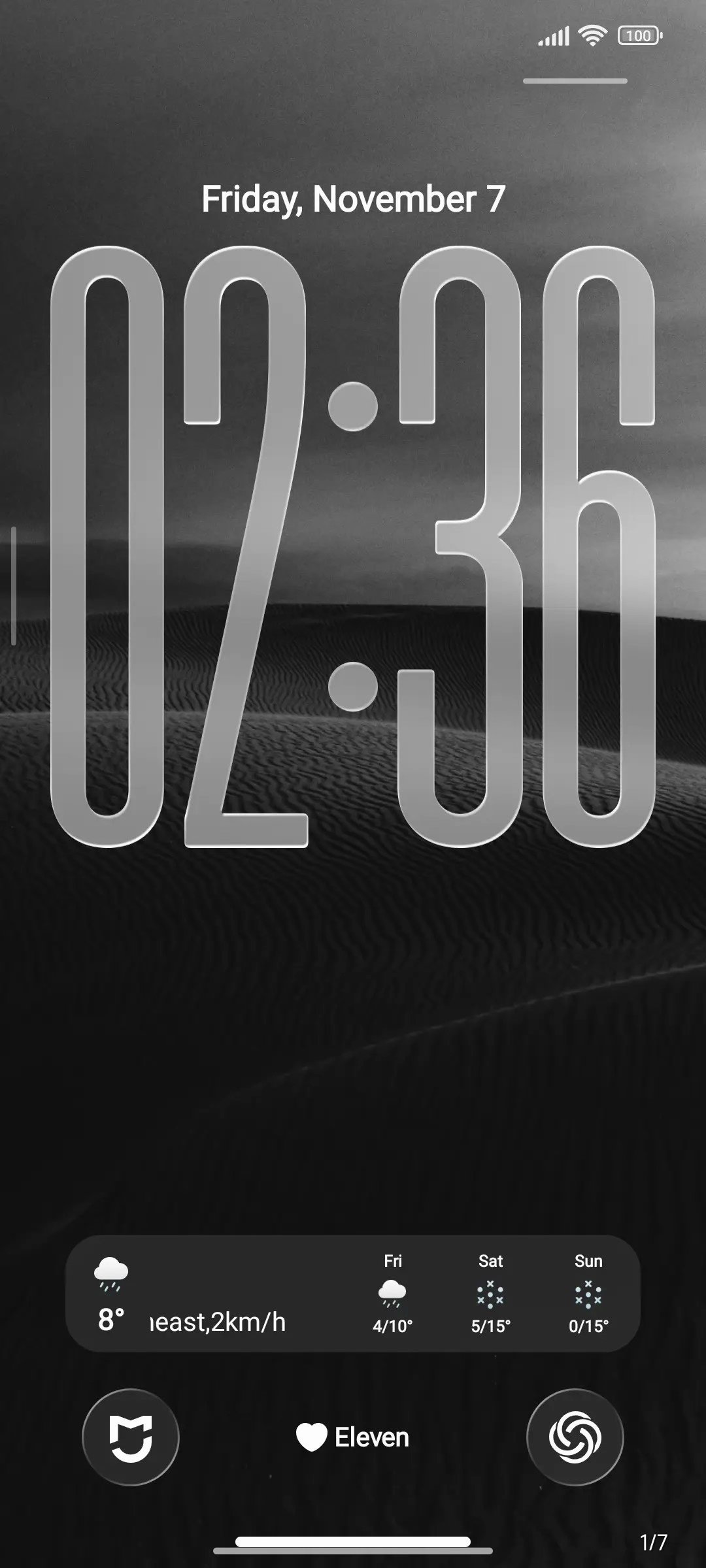
Free HyperOS theme by ELEVEN — dark dunes, glass clock, iPhone-like Dynamic Island.
Primary: official Themes Store · Backup: .mtz file

Voidfall lock screen with tall glass clock over dune wallpaper

iPhone feel on HyperOS

Dynamic Island, MagSafe charging, Focus reminders, and a live glass lock editor — without leaving Themes.

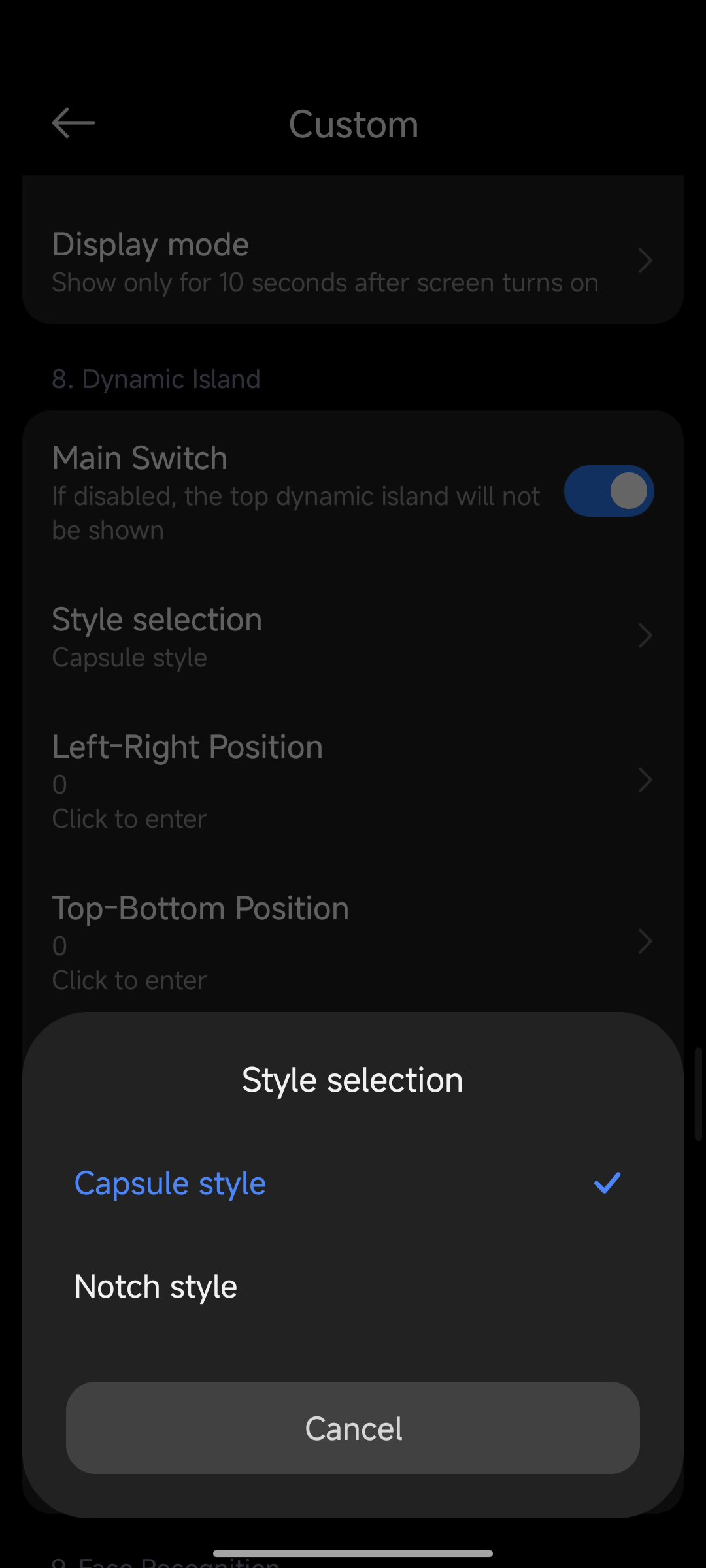
Dynamic Island customization

Dynamic Island

Capsule or notch style with simulated camera, flashlight, and lock cues.
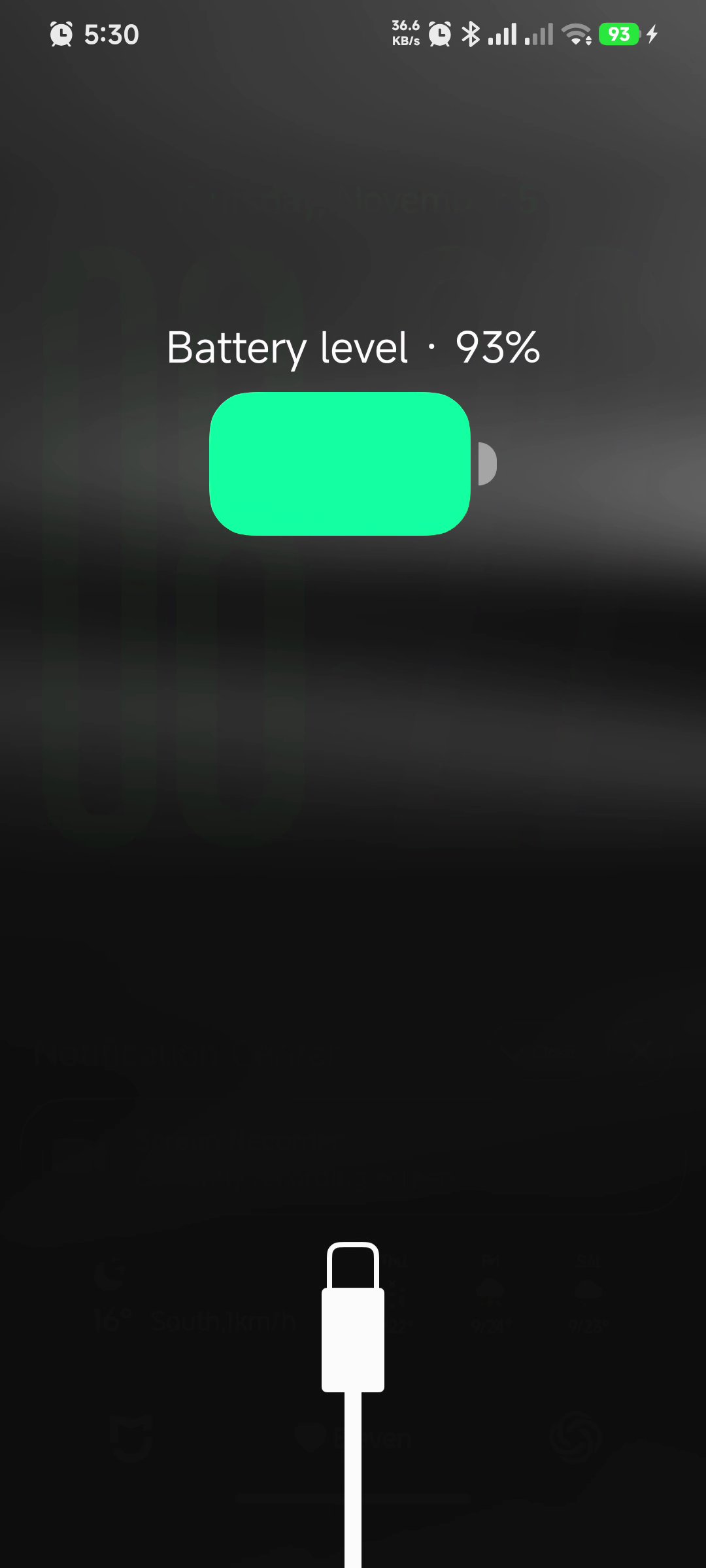
MagSafe-style charging animation

MagSafe charging

Full-screen battery or circular MagSafe rings that replace the system charge UI.
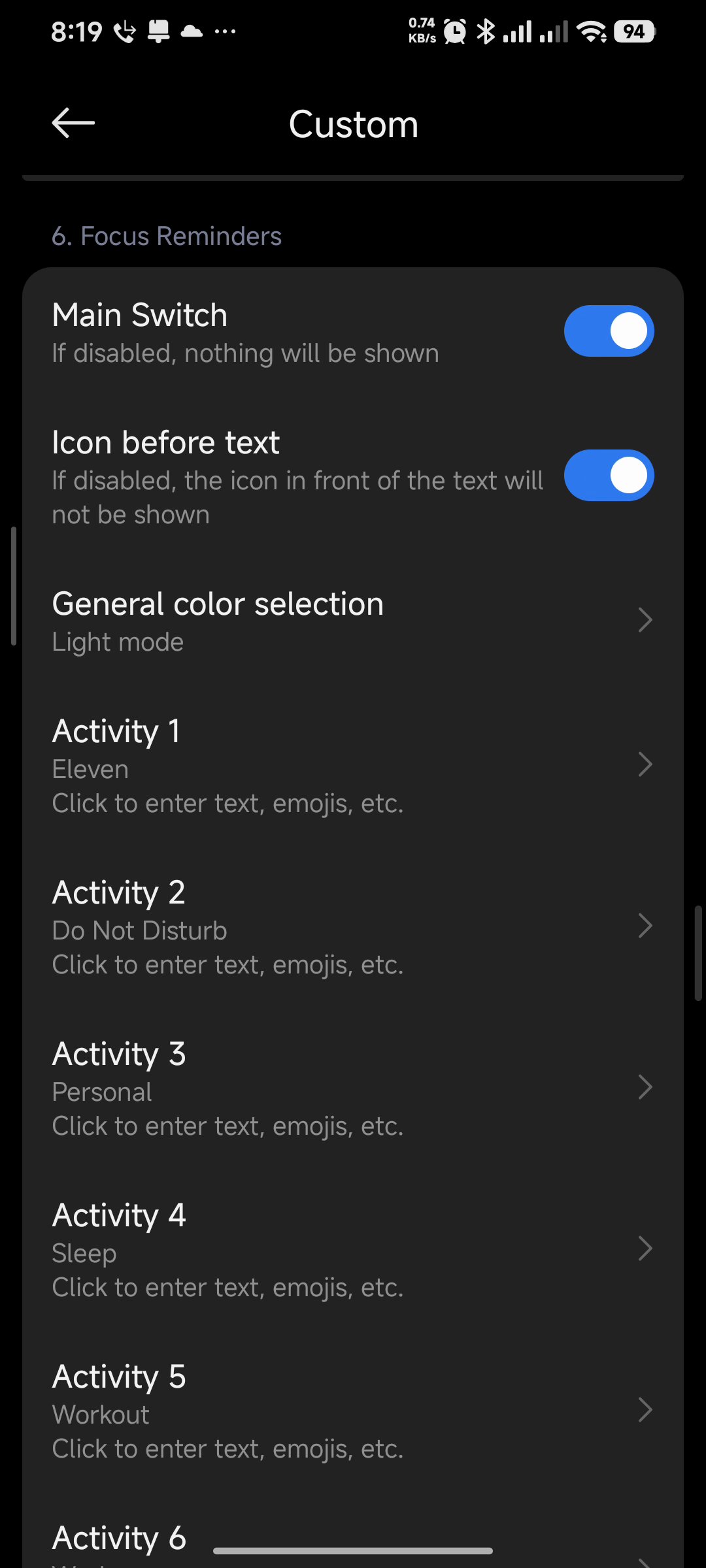
Focus reminders list

Focus reminders

Eight editable Focus-style activities with light or dark presentation.
Explore all features

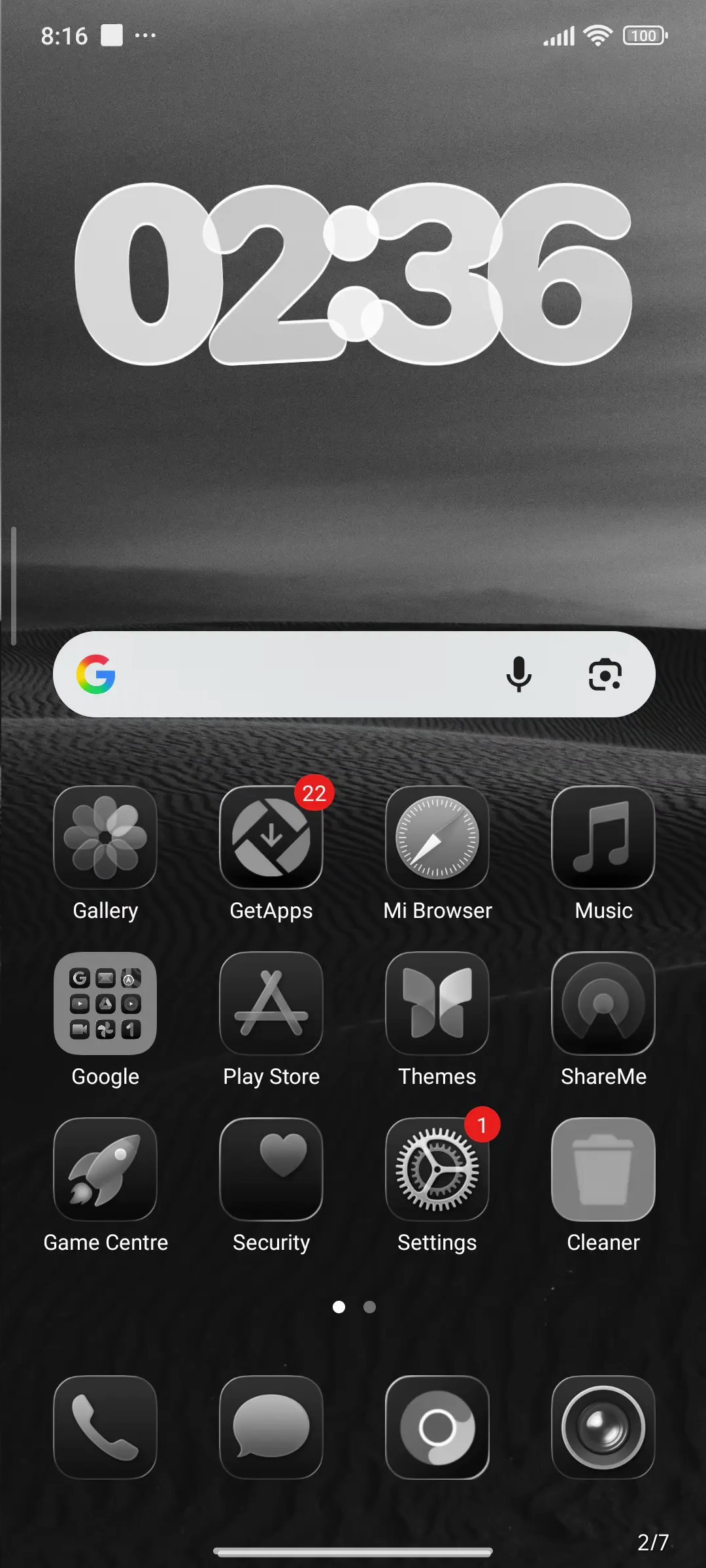
Voidfall home screen with metallic icons

Deep Custom BY ELEVEN

Fourteen customization sections — wallpapers, fingerprint disguise, date/time styles, notifications, widgets, Dynamic Island, face text, charging, and more.

  • Glass or neon tall lock clock
  • Metallic and ghost icon modes
  • Live lock More editor for time, shortcuts, widgets
  • Demoed on Redmi Note 14 5G · HyperOS 3.0
See customization map

Apply in minutes

Use the Themes Store path first. Keep the .mtz backup if you need a direct import.

  1. Get Voidfall Open the official Themes listing or download the .mtz backup.
  2. Open Themes Apply from the store page, or import the .mtz into Xiaomi Themes.
  3. Customise Use Custom BY ELEVEN and the lock More editor to tune island, clock, and widgets.

Ready when you are

Download Voidfall for Xiaomi